Link Stash
- Angular
- Ionic
- Capacitor
- TypeScript
- Java
An Android app for saving links into folders, with share-sheet support so you can stash a link from any app on your phone.
Why I built it
I kept losing links. A recipe someone sent me, a video I meant to watch, a page I wanted to read properly later. They went into browser bookmarks and never came back out, because bookmarks are a pile, not a system.
What I wanted was small: hit share, pick a folder, done. No account, no sync, no subscription, nothing loading. The apps I tried all wanted to be more than that. So I built the version I actually wanted, and I use it every day.
What it does
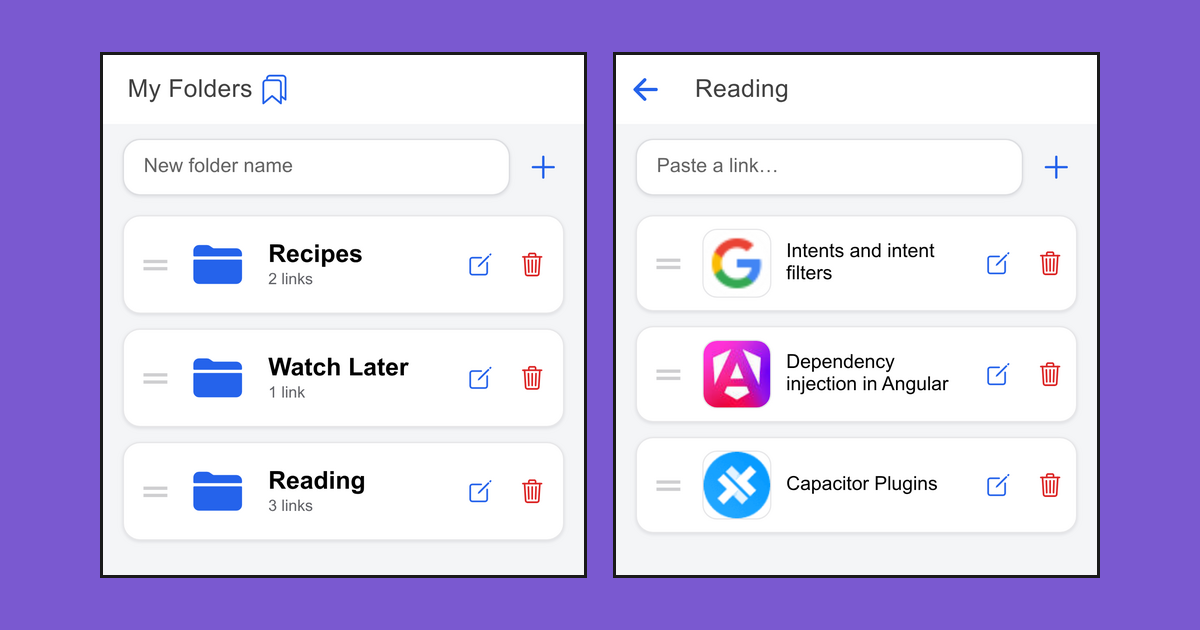
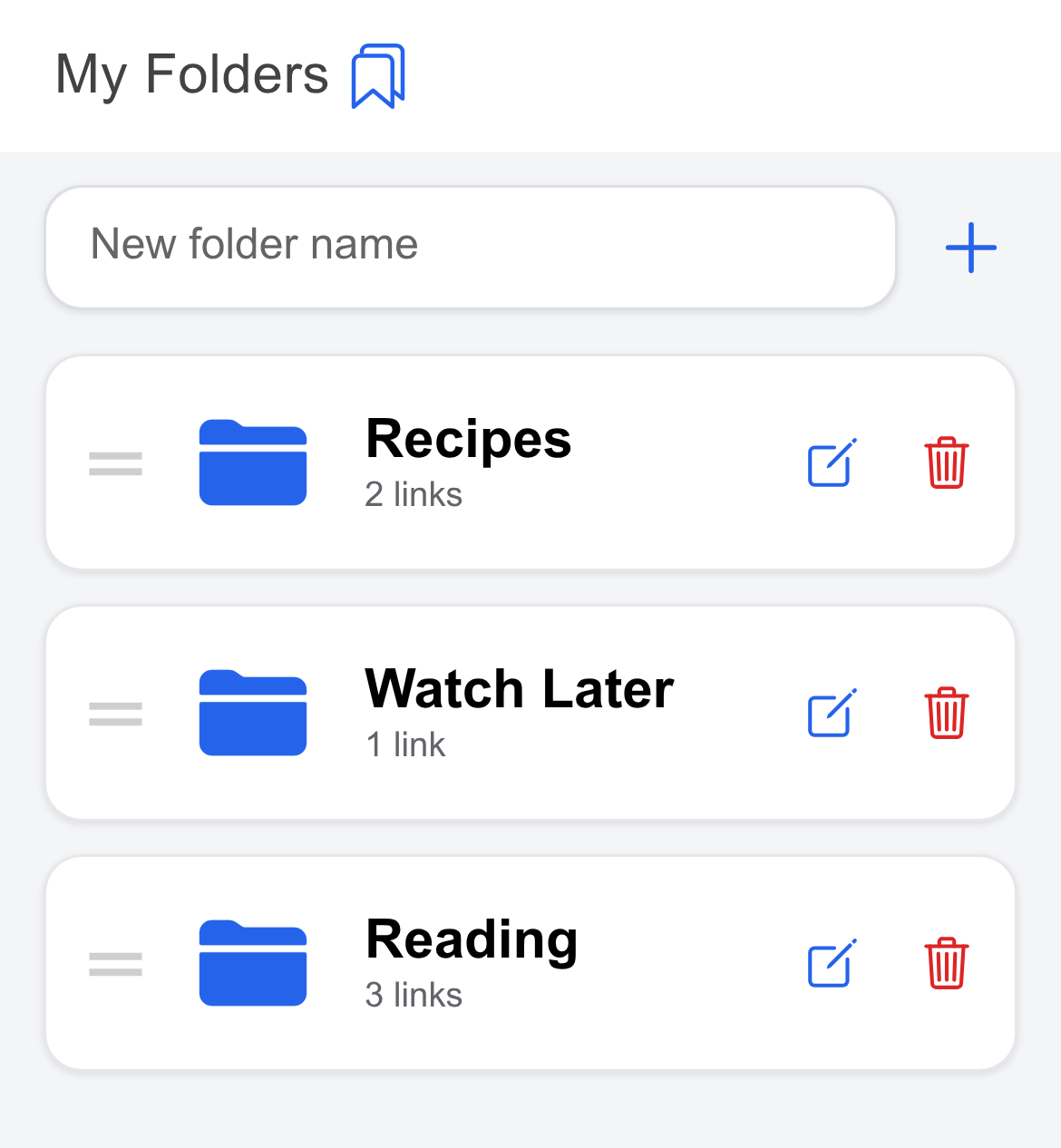
- Save links into folders you make
- Share into it from any other app on the phone
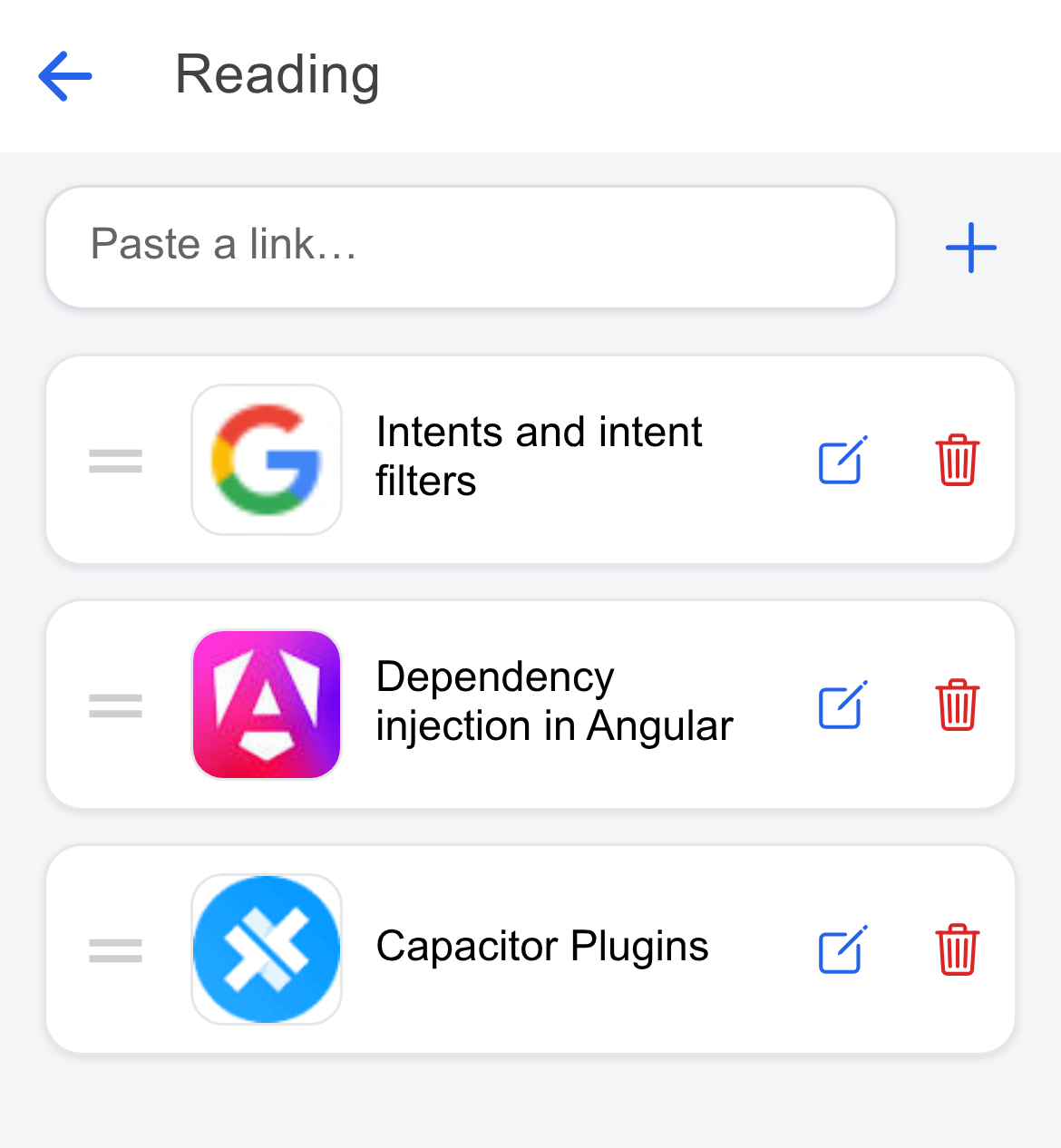
- Titles and thumbnails appear on their own
- Drag to reorder folders and links
- Fix a title by hand if a site won’t give one
- Stored on the phone, no account needed
Screenshots
How it’s built
A web app built with Angular and Ionic, wrapped into a real Android app using Capacitor. One service holds all the folders and links and everything you can do to them. The three screens just show that data and call into it. Nothing is stored anywhere else, so the screens can never disagree about what exists.
It is a real signed release, not a demo. It is installed on my phone, and I have already shipped an update to it.
Decisions, and what they cost
Storing everything on the device as JSON, not in a database
All the data is one JSON string in the phone’s key/value store. No database, no schema, no queries. That can sound lazy, but the amount of data is tiny: even a heavy user only has a few hundred links, a few kilobytes of text, and the app reads the whole lot at once anyway. A database like SQLite would have added migrations and query planning to manage something smaller than a single photo.
The cost is real, though. Every change rewrites the whole thing. At a few hundred links that is invisible. At fifty thousand it would be a bad idea, and I would have to move. I picked for the size the app actually is, not the size it might one day be.
One service owns all the data
Every folder and link lives in a single service, and the screens hold nothing of their own. They read from it and call into it, and that is the only copy that exists.
I learned this one the hard way. An early version let screens keep their own copies, and they drifted apart: I would add a folder on one screen and another screen would carry on showing the old list. The bug was not in either screen. It was in there being two answers to the same question.
A web app wrapped as native, not a native Android app
I built Link Stash as a web app with Angular and Ionic, then used Capacitor to wrap it into a real Android app, instead of writing a native one from scratch in Kotlin. That gave me one codebase, in tools I already knew, and a working app on a phone quickly.
Most of the time you forget the native shell is even there, and the app is just web code running inside it. The catch is that some jobs can only be done in the phone’s own native code, not in the web app. Receiving a link shared from another app is one of them. That part is written in Android’s code, underneath the web app, so a bug in it means working in two places at once instead of one. It was still the right choice here. It just is not perfectly seamless: a few jobs pull you down into the native layer.
No account, no server
There is no backend at all. Nothing to run, nothing to pay for, nothing to breach, and it works with no signal. The whole app is the phone.
The cost is that your links live on exactly one device. Lose the phone and they are gone. Of every decision here, this is the one I would most likely revisit, probably by adding a way to back up or sync the links.
The parts that were actually hard
Sharing into an app that was already open
Sharing a link into the app worked when the app was closed, but silently did nothing when it was already open. No crash, no error, it just quietly dropped the link.
Android only hands an app a shared link when it starts up. An app that is already running never starts, so it never looks. My code was fine. My assumption about when my code runs was wrong. Fixing it meant dropping out of the web layer and into the native Android code underneath:
@Override
public void onNewIntent(Intent intent) {
    super.onNewIntent(intent);
    setIntent(intent);                    // swap in the newly shared link
    if (getBridge() != null) {
        getBridge().triggerWindowJSEvent("sendIntentReceived"); // nudge the web app
    }
}
When the app is already open, Android delivers the shared link here, to
onNewIntent, rather than at startup. So I swap it in as the current link, then
fire an event into the web app to tell it something new arrived. The web side
listens for sendIntentReceived and takes it from there. Those few lines of Java
are the only native code in the whole app.
Showing what a link actually is
A list of raw URLs is useless to look at, so I wanted each link to show its real page title and a thumbnail. The problem is that a browser is not allowed to read another website’s page. That is a security rule, and it exists for good reasons, so there was no clever way round it from inside the app.
The answer was to ask someone else to do the reading. YouTube publishes an endpoint that hands back a video’s title and thumbnail, and microlink.io loads any other page on its own server and returns what it finds. Some sites block that too, so those fall back to showing the domain name, and I added a way to type a title in by hand. Not every problem has a clean fix; this one has a good-enough one plus an escape hatch.
What’s next
- Sync between devices. Everything is stored on one phone right now.
- Search. Fine with a handful of folders, less fine with fifty.
- Tests. The app works, but nothing checks that it keeps working.